


How to Customize Animatronic Animals for Educational Exhibits: Overcome Common Challenges in 5 Steps
Table of Contents
1. Introduction
Customizing animatronic animals for educational exhibits can significantly enhance learning experiences. Many educators and exhibit designers are challenged by limitations in design, interactivity, and engagement. Overcoming these obstacles can result in a more impactful presentation that captivates audiences. In this guide, we'll explore essential steps to create these captivating exhibits.
2. Why Customize Animatronic Animals?
Customization offers multiple benefits for educational exhibits:
Enhanced Interactivity: Captivate visitors and encourage engagement.
Tailored Themes: Align with specific historical or ecological topics.
Visual Appeal: Attract more attention while educating simultaneously.
3. Steps for Customizing Animatronic Animals
3.1 Identify Educational Goals
Determine what you want to achieve with the exhibit. Are you educating about the local wildlife, or focusing on extinct species?
3.2 Choose the Right Animatronic Model
Consider factors like size, realism, and functionality. Are you focused on larger dinosaurs, or smaller mammals?
3.3 Incorporate Interactive Features
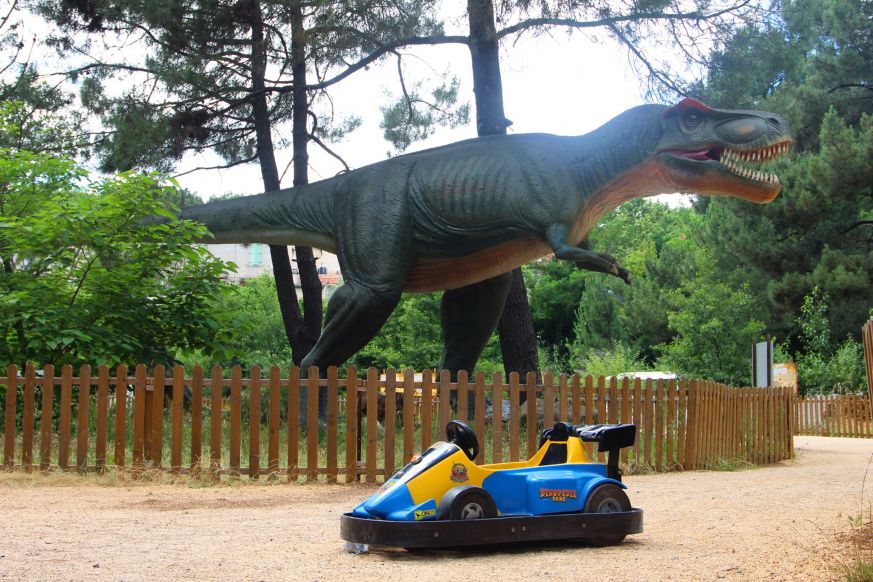
To enhance learning, add features like sound effects or sensors that respond to visitor proximity. For example, a Dino walk feature can immerse visitors in a prehistoric ambiance.
3.4 Customize Design and Appearance
Personalize colors and textures to fit your exhibit’s theme. Realistic fur or feathers can make a significant difference in appeal.
3.5 Test and Evaluate
Before finalizing the exhibit, conduct tests to collect feedback. Evaluate if the animatronic resonates with your audience.
4. Summary
Customizing animatronic animals for educational exhibits involves understanding your audience and educational goals. By following the outlined steps, you can create a compelling learning experience that captivates and informs.
| Feature | Standard Model | Custom Model |
|---|---|---|
| Interactivity | Basic Movements | Responsive Actions |
| Design Options | Fixed Colors | Customizable Textures |
| Educational Alignment | Generic Themes | Targeted Themes |
Flowchart: Step-by-Step Customization Process
Step 1: Conceptualization and Design Brief (The "What" and "Why")
Step 2: Digital Modeling & Engineering Design (The Blueprint)
Step 3: Fabrication of Internal Structure (The Skeleton)
Step 4: Sculpting and Skinning (The Body and Appearance)
Step 5: Detailing and Finishing (Bringing it to Life)
Step 6: Programming and Testing (The Performance)
Step 7: Installation and Maintenance (The Grand Reveal and Longevity)