


Step-by-Step Guide to Repairing Animatronic Dinosaur Skin Damage
Animatronic Dinosaurs are fascinating creations that bring prehistoric creatures back to life. However, over time, their skin can become damaged due to wear and tear. This damage can affect their performance and appearance. Repairing this skin is crucial for maintaining these captivating dinosaur models and ensuring they look their best. In this article, we will explore effective methods for dinosaur model maintenance, animatronic skin restoration, and repair techniques for dinosaur replicas.
To repair animatronic dinosaur skin damage, follow these steps: assess the damage, gather necessary tools, clean the area, apply repair material, and allow it to cure. Regular maintenance, including inspection and cleaning, will help prolong the life of your animatronic dinosaur.
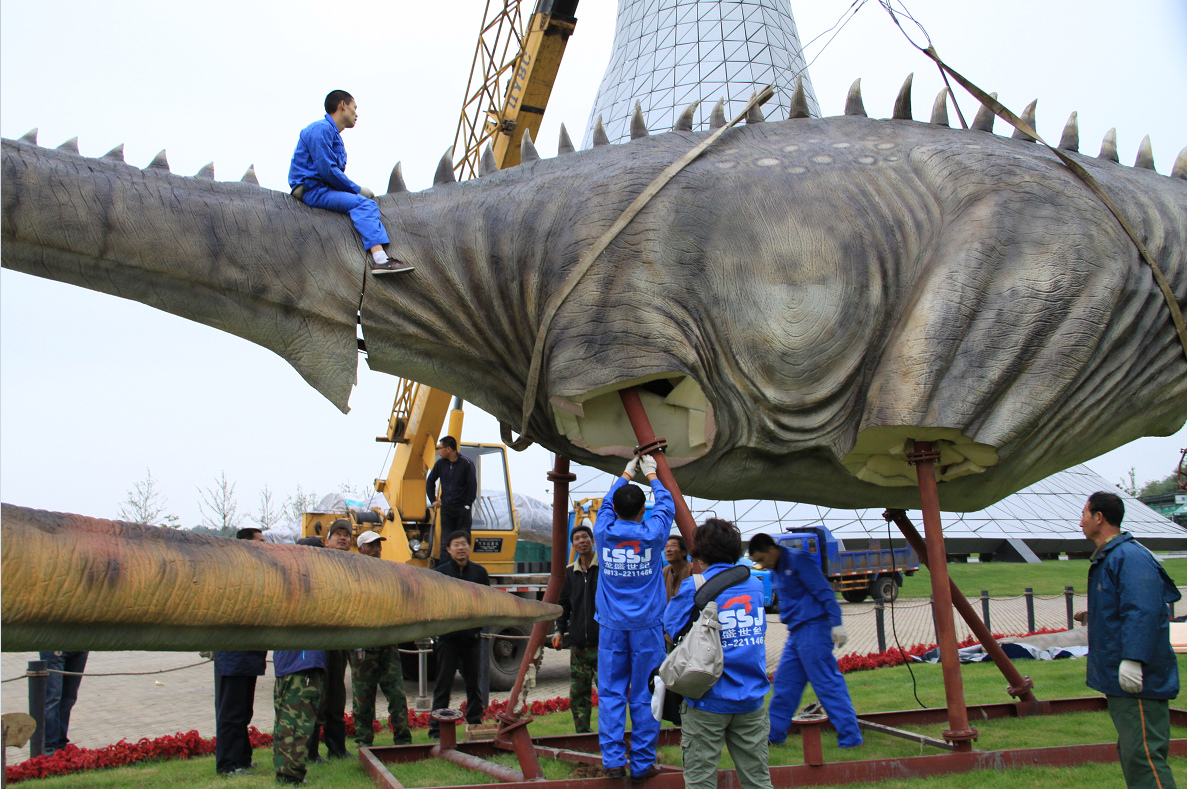
1. Assessing the Damage
Understanding the extent of the damage is the first step. Carefully inspect the skin for tears, cracks, or missing pieces. Look for signs of wear around joints or areas that receive a lot of movement.
Case Study
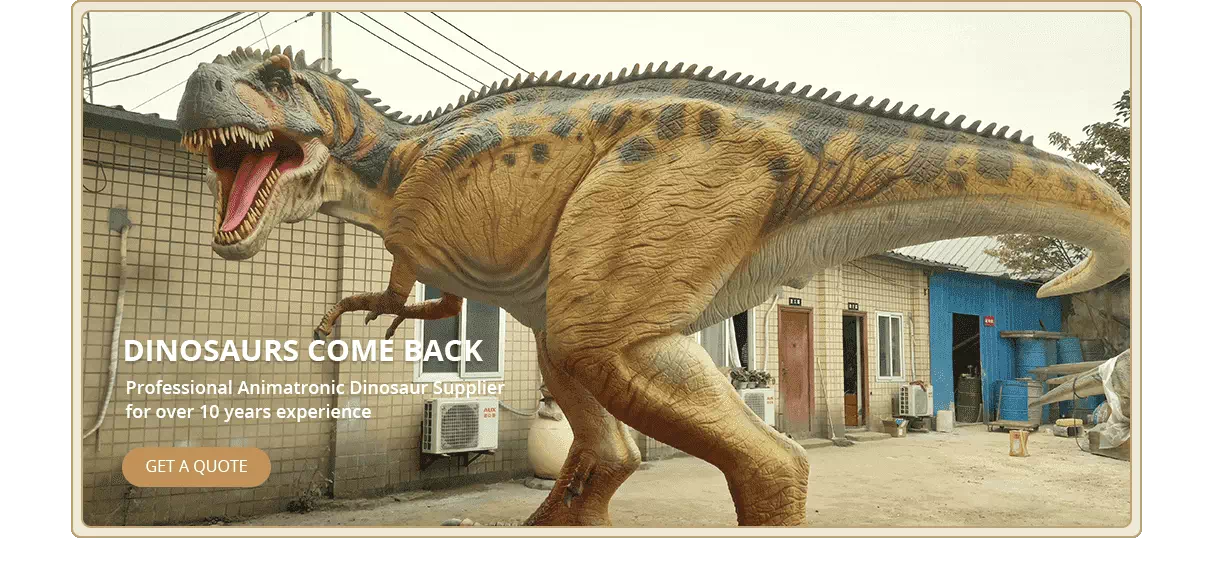
An animatronic T-Rex at a theme park had significant wear around its neck due to constant movement. The team assessed the damage by examining the skin closely and determining the areas needing repair.
2. Gathering Necessary Tools
You will need specific tools and materials for the repair. Gather items such as:
Repair adhesive: Choose a flexible adhesive suitable for synthetic materials.
Patch material: Use a durable fabric or silicone that matches the dinosaur's skin texture.
Cleaning supplies: Soap and water for cleaning the surface.
3. Cleaning the Area
Before applying any repair material, clean the damaged area. Use soapy water to remove dirt and oil. Ensure the surface is dry before proceeding. This step is vital for ensuring a strong bond with the repair materials.
Steps to Clean
1. Mix soap with warm water. 2. Use a cloth to wipe the surface. 3. Rinse with clean water. 4. Let the area dry completely.
4. Applying Repair Material
After cleaning, it's time to apply the repair materials. Make sure to use even pressure when applying adhesive or patch material. This will help create a seamless fix.
Flowchart for Repair Application
plaintext Assess Damage
↓
Gather Tools
↓
Clean Area
↓
Apply Adhesive/Patch
↓
Allow to Cure
5. Allowing it to Cure
Let the repair cure according to the adhesive's instructions. This can take several hours. Avoid touching the repaired area during this time to prevent adjustments.
Importance of Curing
Curing time ensures that the repair bonds correctly. Rushing this process can lead to further damage and ineffective repairs.
Repairing animatronic dinosaur skin damage is a crucial process in dinosaur model maintenance. By assessing the damage, gathering the right tools, cleaning the area, applying the repair materials, and allowing it to cure, you can extend the life of your animatronic dinosaur. Regular checks and maintenance will also help keep it in optimal condition.
Contact Dino Walk professional team to learn more about the animatronic dinosaur.
FAQ
What materials can I use to repair animatronic dinosaur skin? Durable fabrics, silicone, and flexible adhesives work best for repairing animatronic skin.
How often should I inspect my animatronic dinosaur? Regular inspections should be done every few months to catch any potential damage early.
What is the best way to clean animatronic dinosaur skin? Use a mixture of soap and warm water, then dry the area completely before any repairs.
Can I do these repairs myself? Yes, with the right tools and materials, most repairs can be done without professional help.
Table of Contents
Click to expand